
The Journal · AI & Business · October 17, 2026
How We Built an Honest Security Dashboard, and What It Teaches Every Business
TrueID.Help’s new Command Center shows only what it can prove, explains every alert, and labels what isn’t built yet. Here is how we built it, and five rules any business can borrow for its own dashboards.
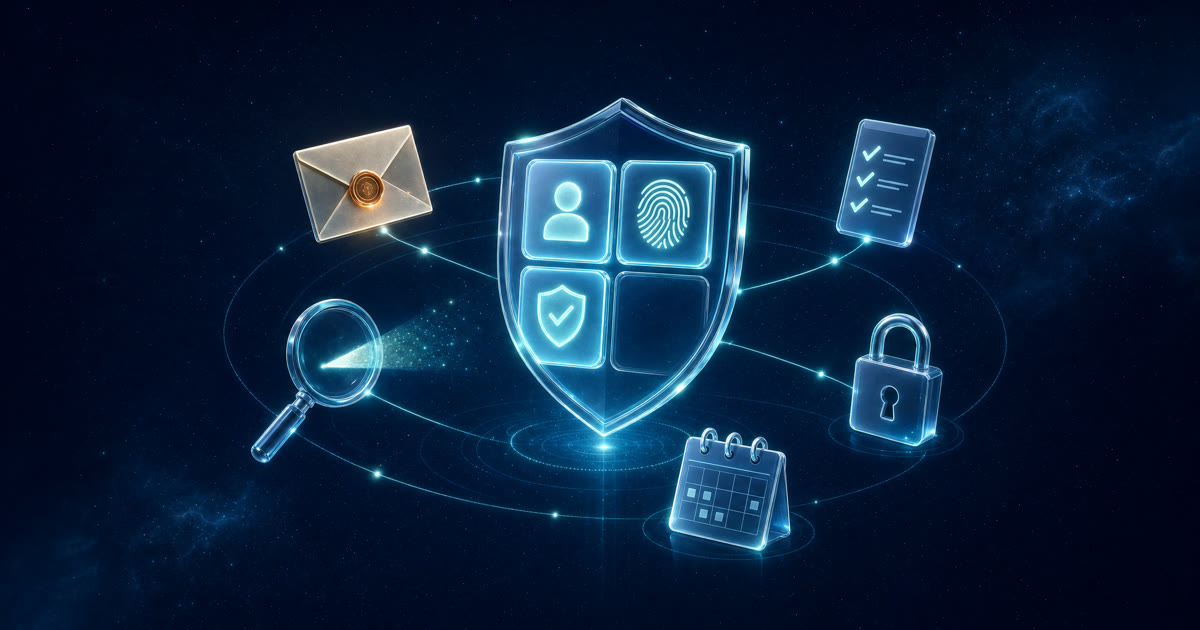
We just shipped the Command Center for TrueID.Help, the identity protection app we build here at the studio. It’s the first screen people see when they sign in, and we held it to one rule: show only what you can prove, and explain everything you show. Here is how we built it, why the order mattered, and what any business with a customer dashboard can take from it.
The stakes are not abstract
The FBI’s Internet Crime Complaint Center logged 1,008,597 complaints in 2025, with $20.877 billion in reported losses, up 26% in a single year. Complainants aged 60 and over reported $7.7 billion of it. IBM’s Cost of a Data Breach Report 2026 puts the global average breach at a record $4.99 million. People open a security app already worried. The worst thing that app can do is add confusion.
Fix first, then build
Before we added a single new screen, we audited what was already there and fixed it. Billing now fails safe: if a payment check can’t be confirmed, paid features stay locked instead of switching on by mistake. Monitoring someone else’s email now requires their permission. Marketing copy that promised more than the product delivered was rewritten. Only then did the new work begin, because new features built on a broken base just make the breakage harder to find. Each change shipped on its own branch with a private preview, and nothing reached the live site until it had been checked and approved.
Five rules we built into the Command Center
- Only real data. Each finding comes from something TrueID actually has: a daily breach check against Have I Been Pwned, consent records, or answers the user typed into their own tracker. No estimated threat scores, and no invented urgency.
- Every alert explains itself. A “Why am I seeing this?” panel answers five questions: what we found, how we know, why it matters, what you can do, and whether TrueID can help.
- Consent before visibility. If a family member hasn’t agreed to monitoring, their results never appear, even to the person who added them.
- Label what isn’t built. Secure messaging appears as a tile marked Coming soon. It isn’t built, so we don’t imply it.
- Scores show their formula. The Identity Shield score says plainly that it comes from the checklist steps the user ticks, not from a scan.
Deadlines turn hope into process
The same release added a free Privacy Request Letter tool. It writes a deletion, access or opt-out request under California’s CCPA, other US state privacy laws, the GDPR or the UK GDPR, and it states the date the company must answer by: 45 days under the CCPA, extendable once by another 45, or one month under the GDPR. When a user marks a request as sent, the tracker stamps the date and flags it once the deadline passes. California residents are also pointed to the state’s free DROP service, which reaches more than 660 registered data brokers and, according to CalPrivacy, has passed 560,000 sign-ups.
Tested where it matters
The logic that decides which alerts appear lives in small, separate modules with no screen attached, so it can be tested directly. The release shipped with 32 automated checks, including ones that prove a declined address never shows its breaches and that a removal request isn’t called overdue until day 46. A dashboard is only as honest as the rules underneath it, so the rules get the tests.
What this means for your business
Pew Research Center found that 67% of Americans understand little to nothing about what companies do with their personal data. Every client portal, booking system and CRM is either part of that problem or part of the fix. Whatever your dashboard shows, a customer should be able to ask “how do you know?” and find the answer on the same screen. That is cheap to design in on day one and expensive to retrofit after a complaint. Start small: pick the number your customers look at most often, and add one line that says where it comes from.
See the customer’s side in TrueID’s own walkthrough of the Command Center, and the platform view from our partners at Nexaria Digital in Show Your Work: Why Explainable Alerts Are the New Standard for Digital Trust.
Frequently asked questions
What is the TrueID.Help Command Center?
The overview at the top of the TrueID.Help dashboard. Four tiles show breach watch, people-search removals, household monitoring and what’s coming next, and a short list shows anything that needs attention, each with an explanation.
What makes a dashboard honest?
It shows only what it can prove, says where every item came from, explains any score it gives, asks before it watches anyone, and labels unfinished features instead of implying them.
How long does a company have to answer a privacy deletion request?
Under California’s CCPA, generally 45 days, with one 45-day extension if the business says so. Under the GDPR and UK GDPR, one month, extendable by two months for complex requests.
Can Smith App Studio build a dashboard like this for my business?
Yes. The same rules (real data, explained alerts, consent and tested logic) apply to client portals, booking systems and internal tools. Email smithappsupport@gmail.com to talk it through.